Android has remained one of the most important platforms for businesses that want to reach mobile-first customers. From eCommerce and fintech applications to healthcare portals, learning platforms, logistics systems, and real-estate apps, Android enables organizations to deliver services directly through customers’ smartphones.
However, building a reliable Android application requires more than an idea and a design. Businesses need the right Android app development software, technologies, frameworks, testing tools, and development expertise to create a secure, scalable, and user-friendly product.
This guide explains what Android app development software is, how it works, the major tools involved, and why partnering with an experienced mobile software development company can help businesses turn an idea into a successful app in 2026. Code Crafts Digisoft Pvt. Ltd. helps startups, SMEs, and enterprises build tailored mobile solutions designed for long-term digital growth.
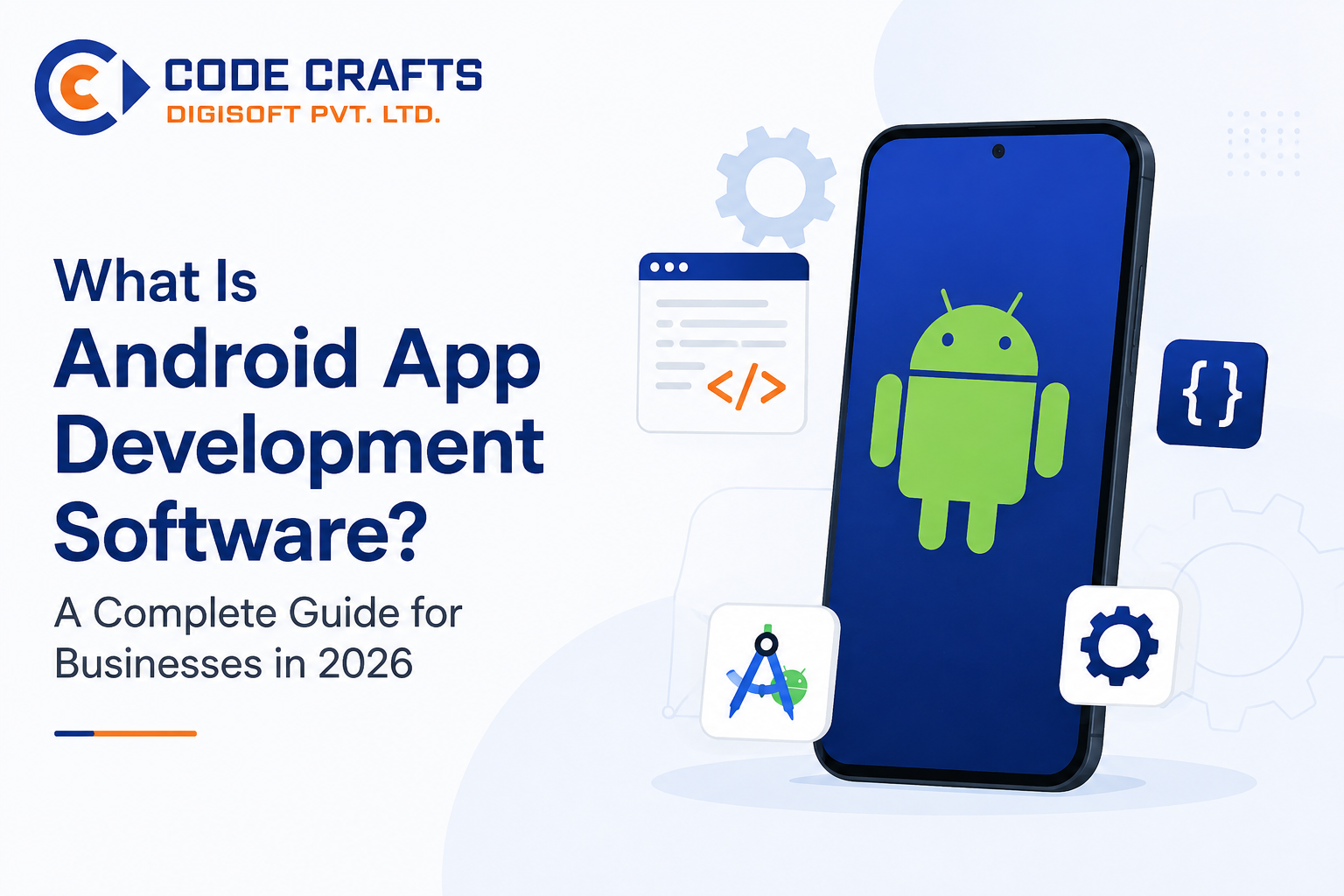
What Is Android App Development Software?
Android app development software refers to the tools, platforms, programming languages, frameworks, and services used to create applications for Android devices. Developers use this software to design app screens, write code, connect databases, test features, identify errors, and publish applications on the Google Play Store.
In simple terms, application development software provides the working environment needed to turn a business requirement into a functional Android mobile application.
For example, a food-delivery business may need an Android app where users can browse restaurants, place orders, make payments, and track delivery status. The development team uses Android development tools to build each feature, connect the app with backend systems, and make sure it works properly across different Android smartphones.
Android applications can be developed for many device types, including:
- Smartphones
- Tablets
- Smart TVs
- Wearable devices
- Point-of-sale systems
- Vehicle infotainment systems
- Foldable devices
The goal is not only to launch an app but also to create a mobile experience that supports real business outcomes, such as customer engagement, brand visibility, sales growth, process automation, and better service delivery.
Why Android App Development Matters for Businesses
Mobile usage continues to shape how customers research products, interact with brands, make payments, book services, and receive support. An Android application gives a business an always-accessible digital channel that can serve customers at any time.
Android is especially valuable for businesses that want broad market access because Android devices are available across multiple price points. This helps companies reach customers using entry-level, mid-range, and premium smartphones.
A professionally developed Android application can offer several benefits:
- Builds a direct connection between the business and its customers.
- Makes services available around the clock.
- Supports personalized notifications, offers, and updates.
- Improves customer retention through convenience and smoother user experiences.
- Enables secure digital payments and transaction management.
- Collects useful user-behavior insights for product improvement.
- Automates repetitive operational tasks.
- Strengthens brand credibility in a mobile-first market.
For a business, an app should not be treated as only a digital brochure. The right mobile software can become a complete operational platform for managing customers, employees, orders, payments, data, and communication.
Essential Components of Android App Development Software
Android app creation involves several connected tools. Each one supports a different stage of the application lifecycle.
Integrated Development Environment
An Integrated Development Environment, commonly called an IDE, is the main workspace where developers write, organize, and test application code.
Android Studio is widely used for Android development. It allows developers to build user interfaces, manage files, debug errors, test application behavior, and prepare the app for release.
An IDE helps development teams work efficiently by providing features such as:
- Code editor and autocomplete support
- Error detection
- Emulator access
- Performance monitoring
- Version control integration
- Debugging tools
- App-building and packaging features
For businesses, using a modern development environment helps reduce development errors and supports better-quality releases.
Programming Languages
Programming languages are used to define how an Android application behaves. They control what happens when users click a button, submit a form, make a payment, upload a document, or receive a notification.
Kotlin is a popular language for modern Android development because it is concise, secure, and well-suited to Android applications. Java is also used in many Android projects, particularly in legacy systems or applications that have been maintained over time.
The programming language selected depends on factors such as:
- App complexity
- Existing technology stack
- Required integrations
- Team expertise
- Future maintenance requirements
- Performance expectations
A skilled mobile software development company evaluates these needs before selecting the right technology approach.
Android Software Development Kit
The Android Software Development Kit, or SDK, is a collection of tools and libraries that developers use to build Android applications.
The SDK provides access to important device features, including:
- Camera
- GPS location
- Bluetooth
- Notifications
- File storage
- Sensors
- Biometric authentication
- Network connectivity
For example, a logistics app can use the Android SDK to access a delivery agent’s location, while a fintech app may use biometric authentication to add an additional layer of account security.
Without the SDK, developers would have difficulty connecting an app to the Android operating system and mobile-device capabilities.
User Interface Design Tools
The user interface is what customers see and interact with inside the app. It includes buttons, forms, menus, product listings, dashboards, images, text, navigation, and other visual elements.
Good Android app development software supports the design and implementation of responsive interfaces that work across different screen sizes and device types.
A strong interface should be:
- Easy to understand
- Fast to navigate
- Consistent across screens
- Accessible for different users
- Optimized for touch interactions
- Visually aligned with the brand
- Designed to reduce unnecessary steps
For instance, if users need six screens to complete a simple booking, the app may lose potential customers. A well-designed flow can reduce friction and improve conversions.
Types of Android App Development Approaches
Businesses can choose different development methods depending on their goals, budget, timeline, and feature requirements.
Native Android App Development
Native Android apps are built specifically for the Android operating system using technologies such as Kotlin or Java.
This approach is suitable when a business requires high performance, deep device integration, strong security, and a fully optimized Android experience.
Native development is often preferred for applications that involve:
- Fintech transactions
- Real-time tracking
- Complex dashboards
- High-volume data processing
- Camera-based features
- Advanced animations
- Offline functionality
- Location-based services
The main advantage of native Android development is performance. Because the app is built specifically for Android, it can make better use of device features and deliver a smooth user experience.
Cross-Platform App Development
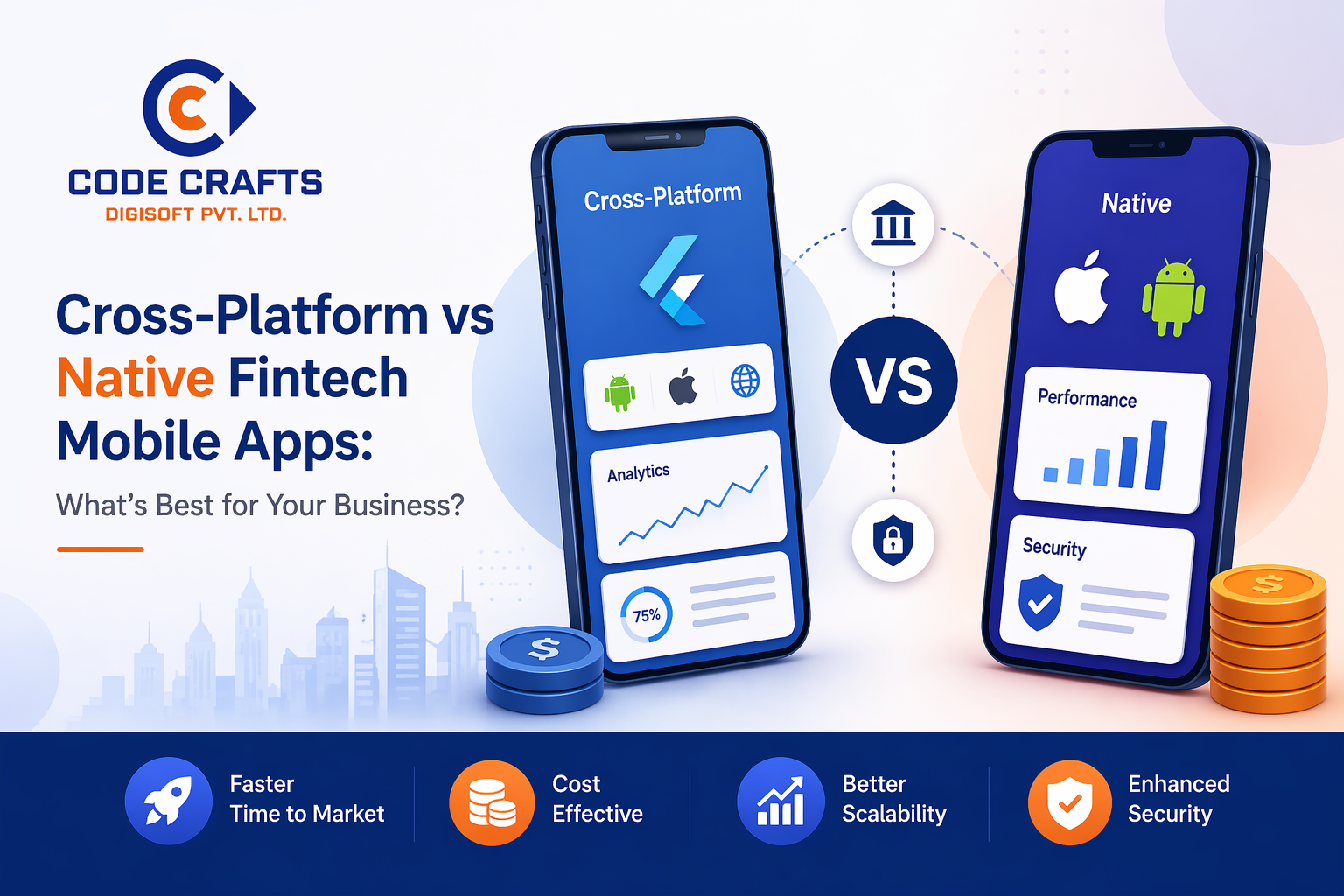
Cross-platform development allows businesses to create a single codebase that can be used for both Android and iOS applications. Frameworks such as Flutter and React Native are common options in this area.
This approach can be useful for businesses that want to launch on multiple platforms with a shorter development timeline.
Cross-platform development may be suitable for:
- Startup MVPs
- Content platforms
- Booking apps
- Basic eCommerce applications
- Internal business applications
- Customer service apps
However, the best approach depends on the app’s requirements. If an application needs heavy device-level functionality or exceptional performance, native development may be the stronger option.
Low-Code and No-Code Platforms
Low-code and no-code app development software allows users to create basic applications with visual builders and pre-built components. These platforms can be helpful for prototypes, internal tools, simple forms, and workflow applications.
They may reduce initial development time, but they can also have limitations in customization, performance, ownership, security controls, and scalability.
For a customer-facing application with advanced features, businesses should carefully evaluate whether a low-code solution can meet long-term requirements.
Key Features Businesses Should Include in Android Apps
The right features depend on the industry and user needs. Still, most modern Android apps benefit from a few essential capabilities.
Secure User Authentication
Users expect secure access to their accounts. Authentication can include email login, mobile OTP, passwords, social login, or biometric verification.
For industries such as finance, healthcare, and real estate, secure authentication is especially important because users may share sensitive personal or financial information.
Push Notifications
Push notifications allow businesses to send updates directly to users’ devices. They can be used for order confirmations, payment reminders, appointment updates, offers, product announcements, and service alerts.
Notifications should be relevant and timely. Sending excessive promotional messages can lead users to disable them or uninstall the app.
Payment Integration
Secure payment features are important for eCommerce, subscriptions, bookings, donations, service marketplaces, and fintech applications.
A payment-enabled app should provide a smooth checkout process while protecting customer data. Businesses should work with experienced developers to implement secure payment gateway integration and transaction flows.
Analytics and Reporting
Analytics helps businesses understand how people use the app. Teams can track user acquisition, screen visits, session duration, feature usage, conversion steps, and drop-off points.
These insights help businesses make data-driven improvements. For example, if users frequently abandon a checkout page, the business can review the page design, loading speed, payment options, or form complexity.
Scalability
A small app may initially serve a few hundred users. But if the business grows, the platform should be able to support thousands or even millions of users without major performance issues.
Scalability should be planned from the beginning. This includes choosing the right backend architecture, cloud infrastructure, database design, APIs, and security systems.
The Android App Development Process
Successful android software development follows a structured process rather than jumping directly into coding.
Requirement Discovery
The development process begins by understanding the business objective, target users, core features, competitive landscape, budget, and expected timeline.
At this stage, businesses should answer questions such as:
- What problem will the app solve?
- Who will use the application?
- Which features are essential for the first version?
- How will the app generate revenue or support operations?
- Does the app need third-party integrations?
- What information will users share through the app?
Clear requirements reduce confusion later and help prevent unnecessary changes during development.
Planning and Wireframing
After requirements are defined, the team creates the app structure and user journey. Wireframes are simple visual layouts that show how screens will connect.
This stage helps businesses review the flow before full design and coding begin. It is much easier and more cost-effective to improve an app journey during planning than after development is complete.
UI/UX Design
Designers create the visual identity of the app, including colors, typography, buttons, icons, screen layouts, and interaction patterns.
An effective design should match the brand while remaining practical for users. The priority is always usability: customers should understand what to do without needing instructions.
Development and Integration
During this stage, developers build the Android application, backend services, databases, APIs, user authentication, payment systems, notifications, and other required functions.
A reliable mobile software development company keeps development organized through milestones, testing cycles, version control, and regular communication.
Testing and Quality Assurance
Testing checks whether the app works correctly under different conditions. Quality assurance teams test features, screen layouts, device compatibility, loading speed, security, and user flows.
Testing should cover different Android versions, screen sizes, network conditions, and user scenarios.
For example, a shopping app should be tested when the internet connection is weak, when a payment fails, when a user enters incorrect details, and when an item becomes unavailable.
Deployment and Maintenance
Once testing is complete, the app is prepared for launch on the Google Play Store. But development does not end after publication.
Businesses need ongoing support for:
- Bug fixes
- Security updates
- Android-version compatibility
- Performance improvements
- New feature releases
- User-feedback implementation
- Server and API monitoring
Regular maintenance keeps the app relevant, secure, and competitive.
Why Choose Code Crafts Digisoft Pvt. Ltd. for Android App Development?
Code Crafts Digisoft Pvt. Ltd. is a Jaipur-based software development company that provides customized digital solutions for startups, SMEs, and enterprises. The company focuses on building secure, scalable, and future-ready applications that support business growth and digital transformation.
Choosing the right development partner matters because an Android app involves strategy, design, development, testing, deployment, and long-term support. A capable team helps businesses make practical technology decisions instead of selecting tools only because they are popular.
Key benefits of working with Code Crafts Digisoft Pvt. Ltd. include:
- Customized Android app solutions based on business goals and user requirements.
- Experience in delivering web, mobile, and digital transformation solutions for different business needs.
- A structured process that includes consultation, planning, development, launch, and ongoing support.
- Focus on secure, scalable software built for future business growth.
- A development approach suited to startups, SMEs, and larger organizations.
- Professional support from a Jaipur-based technology team with a client-focused mindset.
Whether a business needs a customer-facing Android app, an internal employee platform, a marketplace, a booking system, a fintech solution, or a custom business application, the right strategy and technology stack can make the difference between an app that is simply launched and an app that delivers measurable value.
Final Thoughts
Android app development software includes the complete set of tools and technologies needed to create effective mobile applications. From programming languages and SDKs to testing systems, analytics platforms, cloud services, and security frameworks, every element contributes to the final user experience.
For businesses in 2026, investing in Android development is not only about having a presence on mobile devices. It is about creating a faster, more convenient, and more scalable way to serve customers and manage business operations.
Code Crafts Digisoft Pvt. Ltd. can help businesses transform their ideas into dependable Android applications that are built around usability, performance, security, and growth. By choosing the right application development software and an experienced development team, businesses can create mobile solutions that remain valuable well beyond the initial launch.
Frequently Asked Questions
About Author

Codecrafts Digisoft
Expert content creator and technology enthusiast at Code crafts Digisoft Pvt. Ltd.